Phone Tools
These tools need real phone access, so they only run in the Android app. Here they are on a real phone.
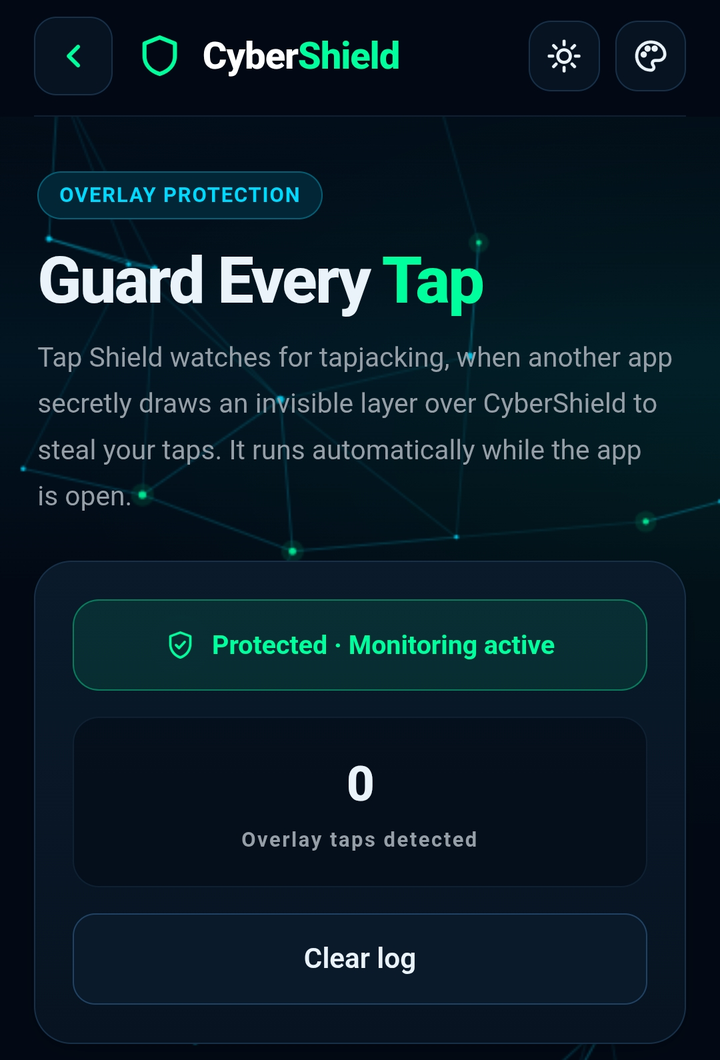
Tap Shield
Detects tapjacking, when a hidden screen tricks you into tapping something dangerous.
 Screenshot coming soon
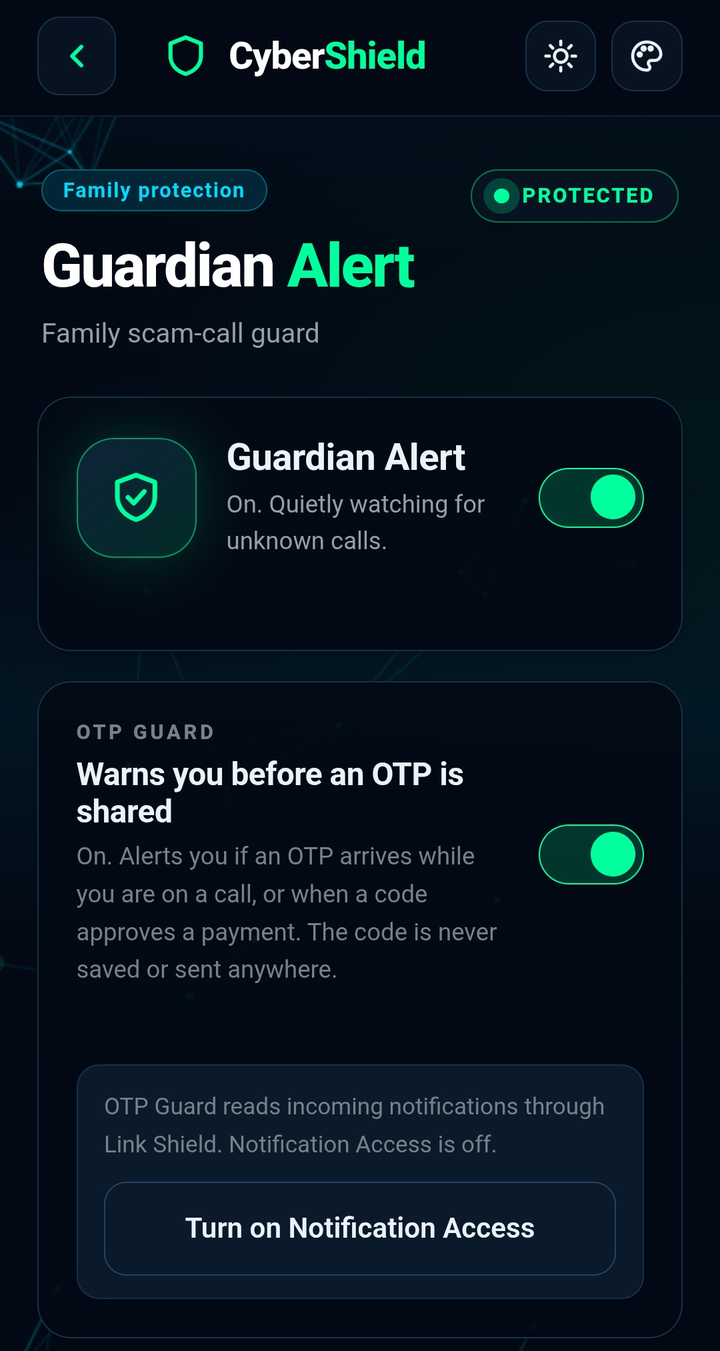
Guardian Alert
Sends a warning to a trusted family member when the phone shows risky activity.
 Screenshot coming soon
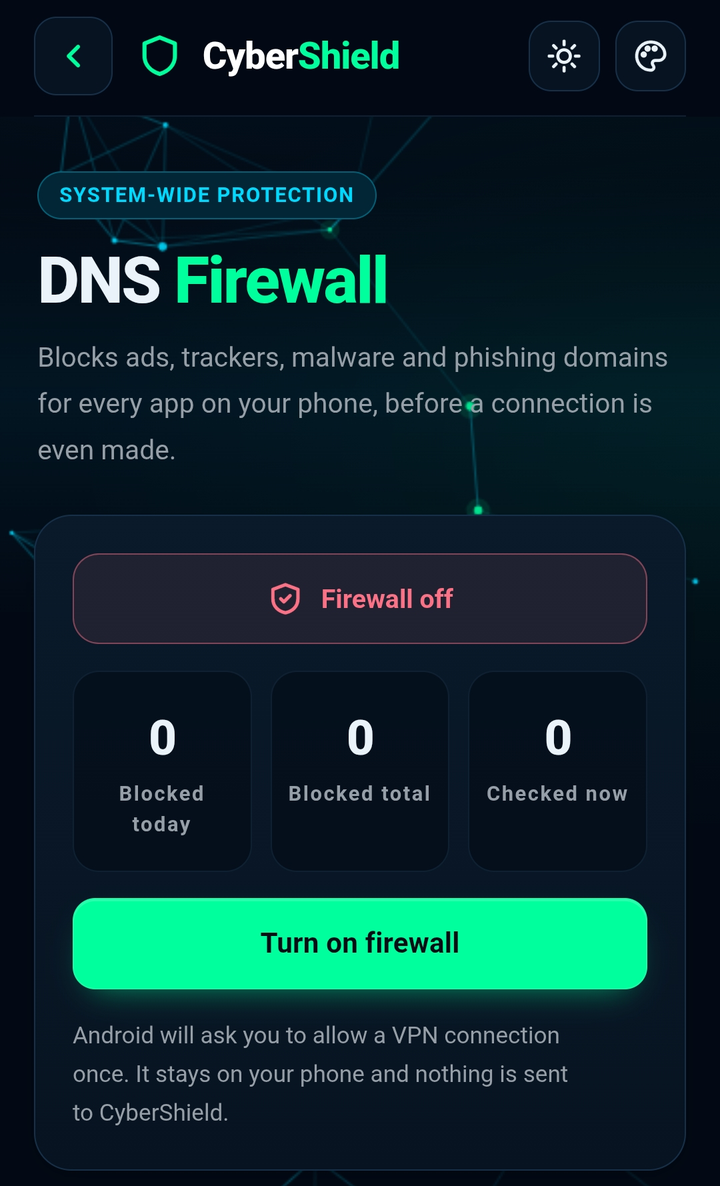
DNS Firewall
Blocks ads, trackers, malware and phishing websites for the whole phone.
 Screenshot coming soon
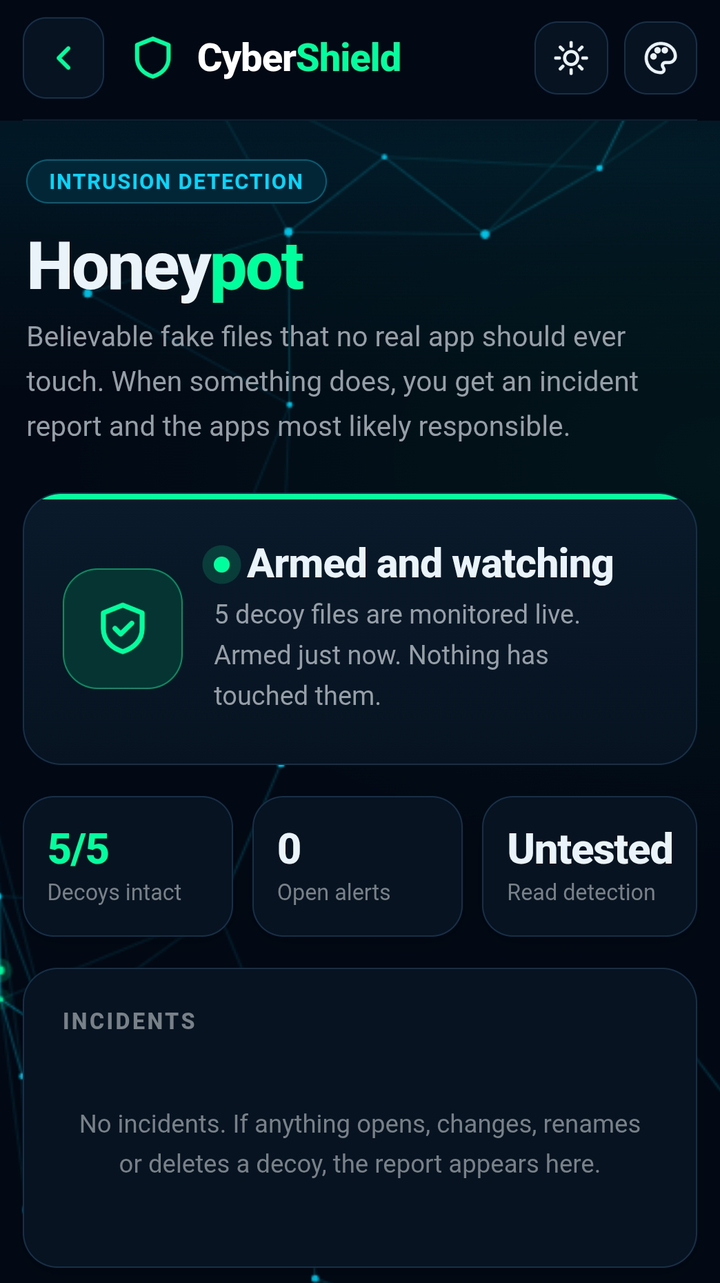
Honeypot Vault
Plants decoy files in Downloads. Any app that touches them is flagged as scanning malware.
 Screenshot coming soon
Phone Scan
A quick security scan of the phone that checks installed apps and settings.
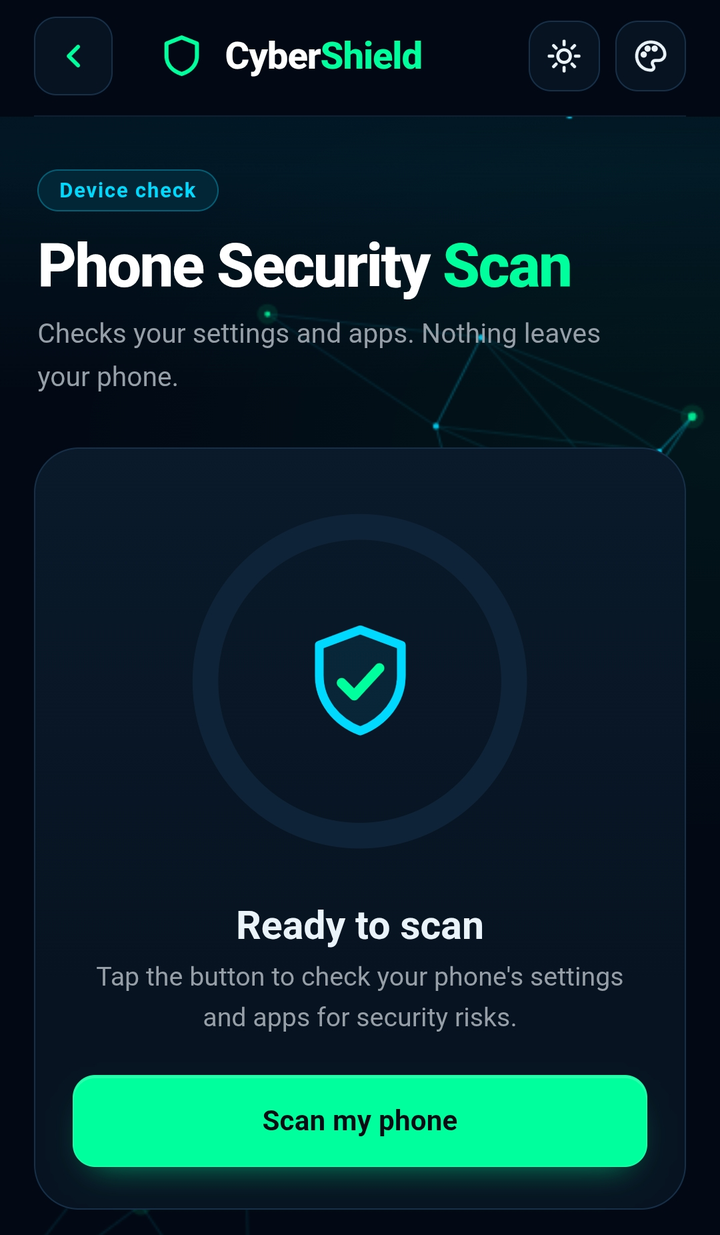 Screenshot coming soon
Charger Guard
Tells you if a USB port is power only or connected to a computer, and alerts you when your phone plugs into one.
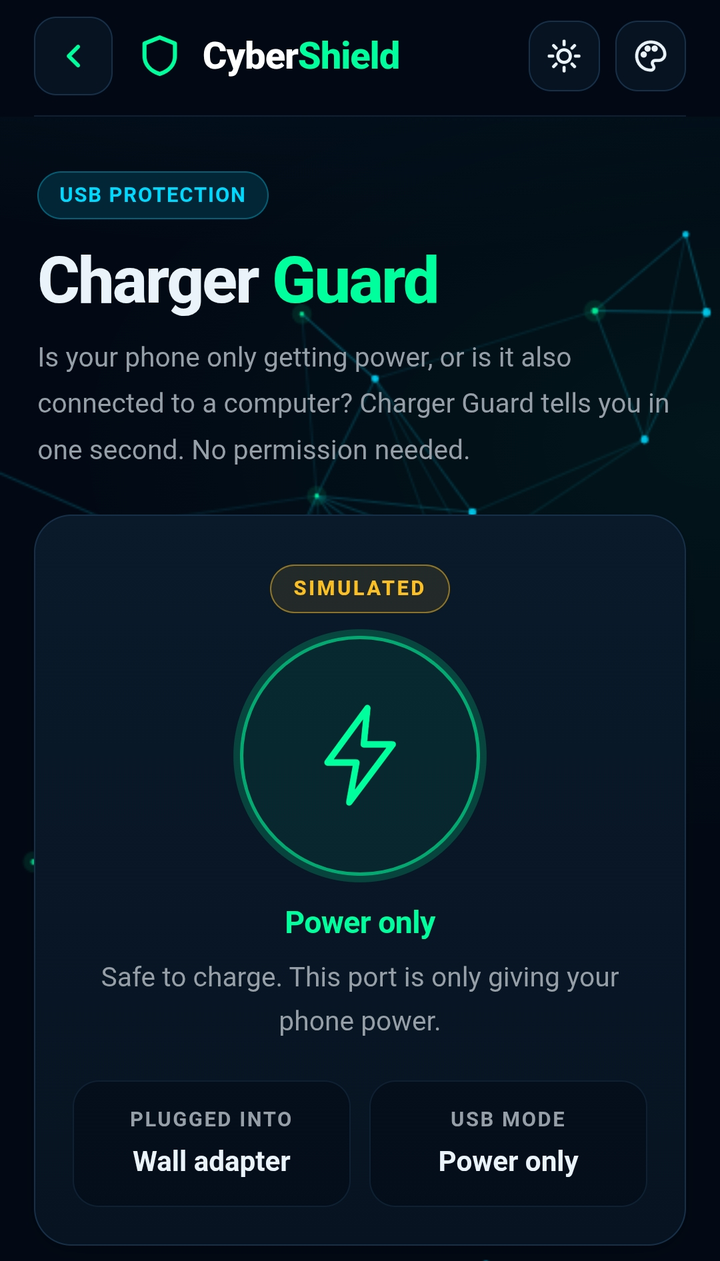 Safe
Safe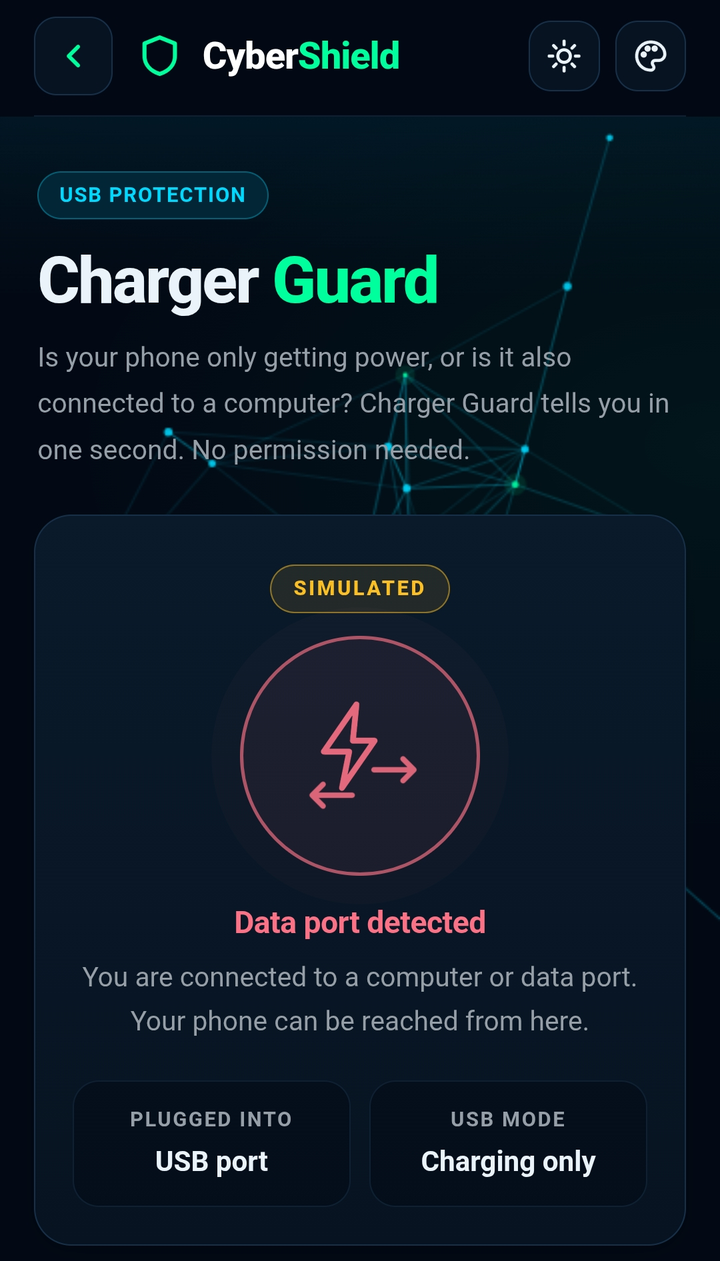 Danger
Both screens use the app's built-in simulate mode.